How to Keep Simple Bookkeeping Records for Plate Sales
Keep simple bookkeeping records for plate sales with a weekly ledger, source documents, reconciled deposits, and a tax-ready monthly review.
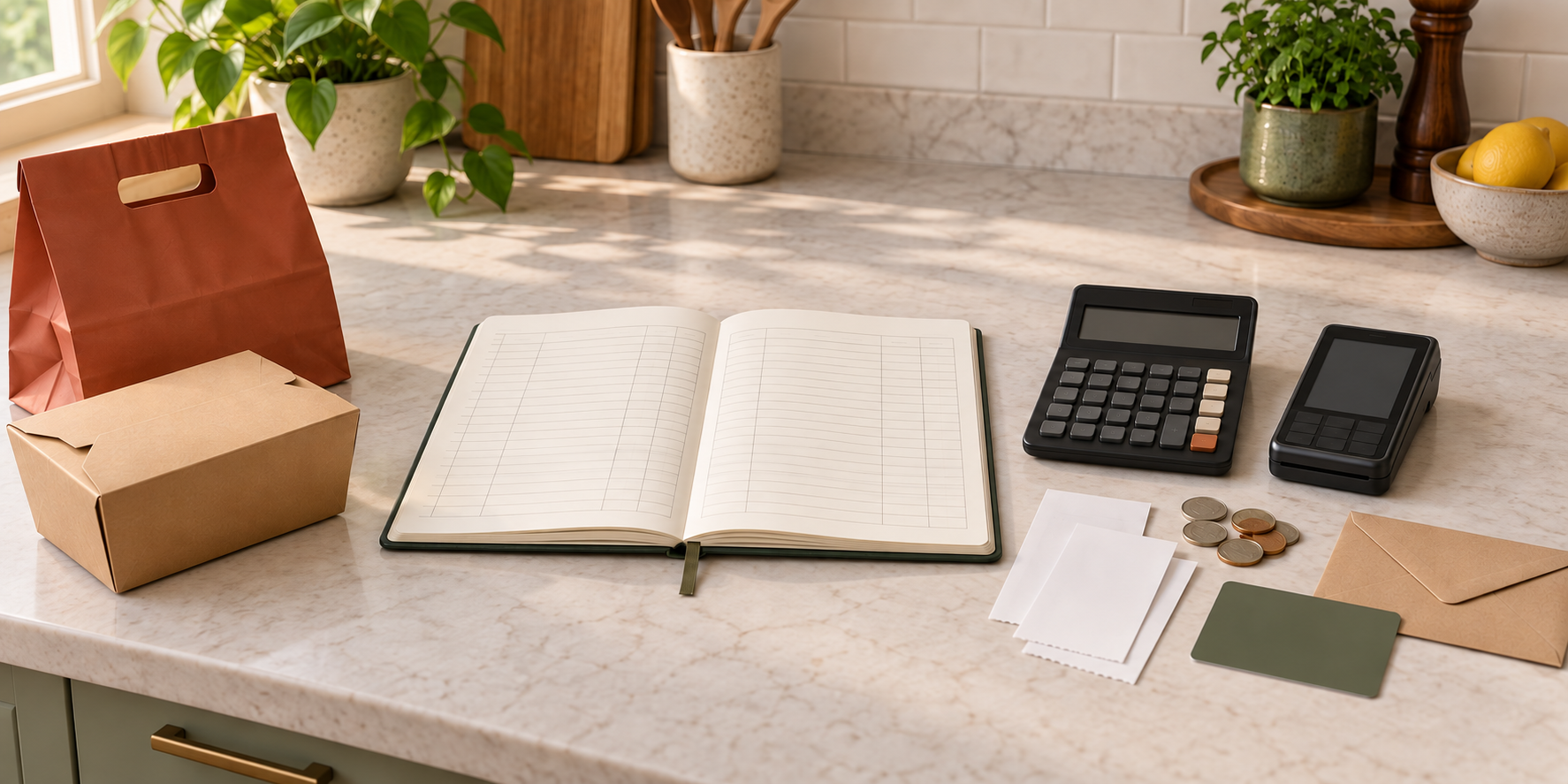
A busy plate-sale weekend can leave money in four places: cash in an envelope, card payments waiting to settle, refunds inside a payment app, and grocery receipts in the car. If you wait until tax season to reconstruct what happened, even a profitable menu can become a pile of unexplained deposits and missing costs.
This guide will help you build a small bookkeeping routine that follows each transaction from order to supporting document to bank deposit. You will record sales at a useful level, keep purchase evidence, reconcile cash and card activity, close the month, and hand clean records to the person who prepares or reviews your taxes.
This is a management workflow, not tax or accounting advice. Federal rules depend on your business and tax situation, while state and local income, sales-tax, registration, and filing requirements vary. The official guidance linked here was checked on September 15, 2026. Confirm the current treatment of your income, inventory, purchases, assets, taxes, tips, fees, and mixed-use costs with the responsible authorities and a qualified professional.
Decide what your books need to prove
Bookkeeping is not the same as looking at a bank balance. The balance cannot tell you which deposit belongs to which sale, whether a processor removed a fee, how much cash never reached the bank, or why money went back to a customer.
The IRS says you may choose a recordkeeping system suited to your business if it clearly shows income and expenses. For a small plate seller, that can begin with one spreadsheet or ledger and one orderly document folder, but every number should have a source.
Build the system to answer five questions:
- What did customers pay, through which channel, and for which sale?
- What refunds, discounts, fees, tips, or taxes changed the money that arrived?
- What did the business buy, when, from whom, and for what purpose?
- Does the ledger agree with cash counts, processor reports, and bank activity?
- Can you open the supporting receipt, invoice, or report without searching old messages?
Your preorder system remains the fulfillment record. The books should reference its sale date or order IDs rather than duplicate every kitchen note.
Separate business money and source documents
Where appropriate for your structure and local requirements, route business income and spending through a dedicated business account. The SBA recommends opening a business bank account when business money starts moving, while IRS guidance describes the business checking account as a main source for many small-business book entries.
Separation makes the trail easier to follow, but the account does not create accurate books by itself. Identify owner transfers and mixed purchases clearly; do not record them as customer sales or automatic business expenses.
Create two folders for each year:
- Sales support: order summaries, cash counts, invoices, payment-processor reports, deposit records, refund confirmations, and tax reports.
- Purchase support: itemized receipts, supplier invoices, proof of payment, subscriptions, permits, equipment documents, and adjustment notes.
IRS guidance lists sales slips, invoices, receipts, deposit information, statements, and canceled checks among the documents that can support entries. Preserve itemized receipts when a statement shows only a total. Rename files with the date, vendor, amount, and purpose; photograph thermal-paper receipts before they fade.
Record every sale before the payout arrives
A processor deposit is often not the sale amount. It may combine several orders, arrive days later, or already be reduced by fees and refunds. Record the customer activity first, then match the later payout.
Use one row per order or one documented daily summary, depending on the detail your operation and advisers require. Useful fields include:
| Field | What to capture |
|---|---|
| Sale date and ID | The completed menu date and order or batch reference |
| Payment channel | Cash, card, transfer, or another accepted method |
| Food and add-on sales | The amount charged for the products sold |
| Tax collected | A separate amount when your current rule requires collection |
| Tip | Kept separate from product sales in the management view |
| Refund or allowance | Date, amount, order, and reason |
| Processing fee | Amount shown by the processor report |
| Expected deposit | The amount that should reach the account |
Do not record only the net payout. IRS Publication 334 distinguishes gross receipts, returns and allowances, cost of goods sold, and business expenses, and it notes that sales-tax treatment depends on how the tax is imposed. Your qualified tax professional should map the ledger fields to the rules that apply; the operational goal is to preserve the pieces rather than erase them through netting.
Cash needs the same discipline. Count it after service, subtract only a documented starting cash fund, record any cash refunds or approved petty-cash spending, and compare the result with cash orders. If cash is later deposited, link that deposit to the sale summary instead of recording the money as new income again.
Capture purchases and expenses with evidence
Enter business spending close to the transaction date. For each item, record the vendor, date, total, payment method, short business purpose, and link or filename for the supporting document. Split a receipt when it contains personal items or purchases for more than one business purpose.
Use plain management categories:
- Ingredients and food supplies
- Takeout containers, bags, labels, and service items
- Payment, ordering, website, and marketing fees
- Permits, training, insurance, and professional services
- Small tools, repairs, and equipment
- Delivery, mileage, or other transportation records required by your method
These labels do not decide tax treatment. IRS guidance separates purchases, expenses, and assets, while Publication 334’s current small-business guide treats inventory, cost of goods sold, returns, and operating expenses as different concepts.
Keep personal withdrawals from food inventory visible too. The Taxpayer Advocate Service’s 2026 small-business recordkeeping reminder includes gross receipts, inventory—including merchandise withdrawn for personal use—and expenses among the records an owner may need. Ask your adviser how the rule applies to your operation.
Reconcile every payment route each week
Set a 20-minute weekly appointment while the sale is still easy to remember. Start with the order roster, not the bank feed.
- Total completed orders by cash, card, and other payment channels.
- Match refunds and adjustments to a named order.
- Compare card activity with the processor’s transaction and fee report.
- Match each settled payout to the bank deposit.
- Count and explain cash that remains, was deposited, or was spent through an approved record.
- Enter purchases and attach every available document.
- Mark unresolved differences instead of forcing the ledger to balance.
IRS Publication 583 illustrates daily and monthly receipt summaries, recommends prompt transaction entry, and tells businesses to reconcile the account. Your version can be simpler, but the control is the same: a deposit should trace back to its component sales, and a ledger expense should trace out to evidence.
If a processor sends a $612 payout, do not create a $612 sales row merely because it matches the bank. Reconstruct the gross order total, refunds, and fees from the processor report. The difference should explain the payout exactly. If it does not, leave a reconciliation item open until you find the missing transaction or document.
Work through one weekly example
Suppose a Friday menu has 30 completed orders. The order record shows $720 in food sales, $36 in tips, and $24 collected in a separate sales-tax field. Two customers received $30 in refunds. The processor report shows $18 in fees, and the expected payout is $732.
The management bridge is:
| Activity | Example amount |
|---|---|
| Food sales | $720 |
| Tips | $36 |
| Tax collected | $24 |
| Less refunds | ($30) |
| Less processor fees | ($18) |
| Expected deposit | $732 |
This example is a reconciliation illustration, not a tax return. Your jurisdiction and adviser decide how each field is reported and whether the processor’s timing creates a later settlement date.
Next, attach the order summary, processor report, refund confirmations, and bank deposit to the sale ID. Enter the week’s ingredient, packaging, and operating purchases from itemized receipts. Then use the separate plate-sale profit closeout to evaluate what the menu earned. The closeout is a management analysis; the bookkeeping file preserves the transaction evidence behind it.
Close the month without making tax guesses
At month-end, run a second review:
- Confirm every bank and processor transaction has a ledger match.
- Check that cash sales are present even when they never became individual deposits.
- Find duplicate entries created by recording both a sale and its payout as income.
- List missing receipts, unclear transfers, uncashed refunds, and unsettled payouts.
- Compare the month with the pricing plan and completed sale closeouts.
- Export or back up the ledger and supporting documents.
Do not wait for an annual deadline to ask how inventory, sales tax, estimated tax, equipment, home use, mileage, tips, or helpers should be handled. The IRS self-employed tax center explains that income tax, self-employment tax, annual filing, and possible estimated-tax duties can apply depending on the facts. A monthly question is easier to correct than twelve months of a mistaken assumption.
Set a retention rule for each record type
“Keep everything for three years” is not a complete retention policy. Publication 583 says records should be kept as long as they may be needed to administer the relevant tax rule, then describes different considerations for returns, employment taxes, property, insurance, and creditors.
Create a retention list with the record type, controlling requirement, start date, review date, and authorized disposal date. Include business formation and permit records, filed returns, sales support, purchase documents, payroll or contractor records if applicable, equipment and property records, and insurance material. Confirm federal, state, local, lender, insurer, and platform requirements before deleting anything.
Start this week with one sale date. Put the order summary, payment report, refunds, deposit, and purchase receipts in one folder, then make the ledger explain every dollar. Once that chain works for a single menu, repeat it every week. The Selling Plates guide can help connect the records to your pricing, ordering, and operating plan; your accountant or tax professional can then work from evidence instead of reconstruction.
Ready to move?
Turn the research phase into your first sale.
The guide brings pricing, menu planning, marketing, and setup into one clear playbook.
Get the guide on Gumroad