How to Prevent Missing Items in Plate Pickup Orders
Build a final packing check for plate pickup orders that catches missing sides, wrong meals, split bags, and last-minute changes before handoff.
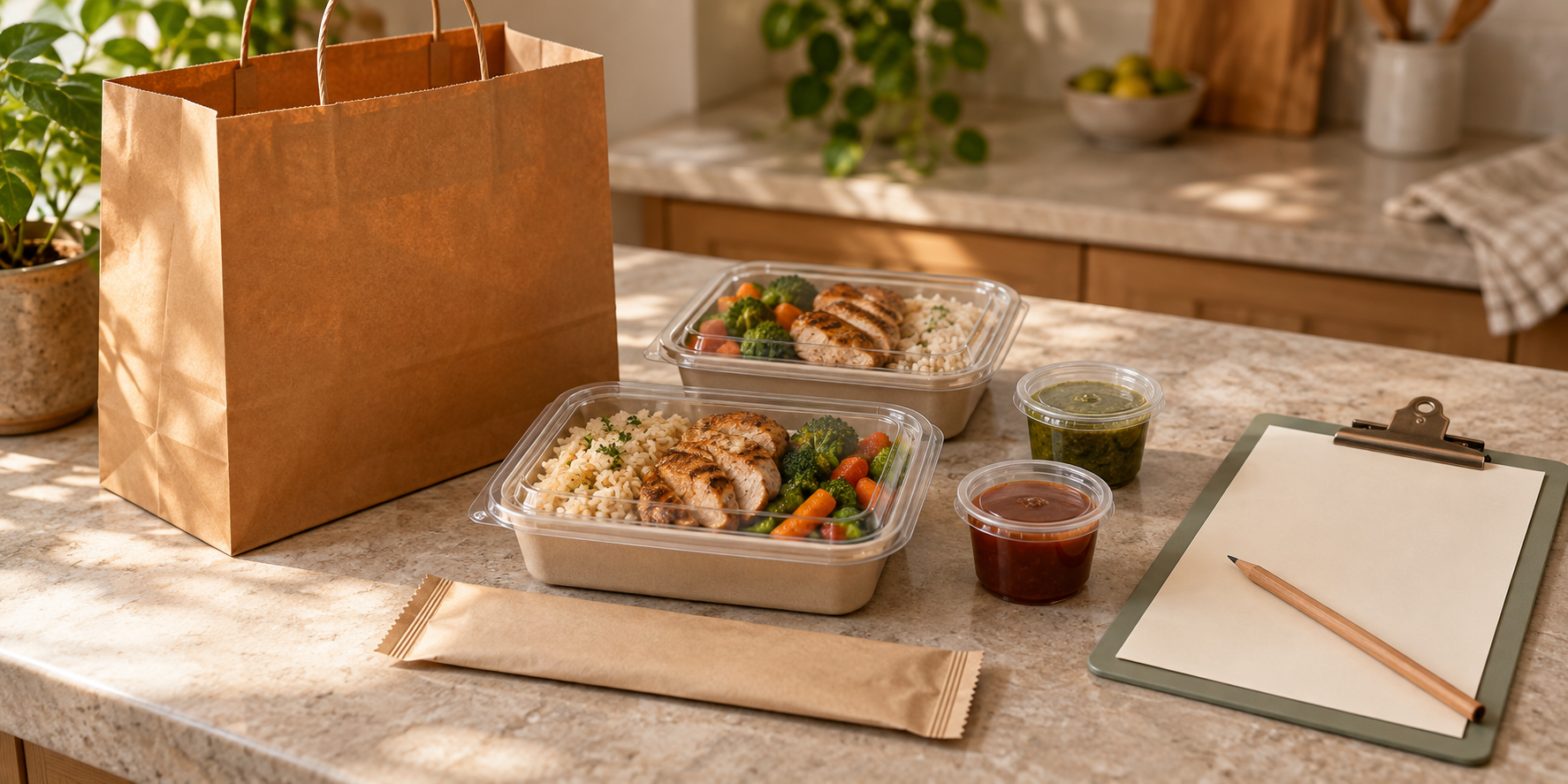
A customer can receive the right chicken plate and still leave without the extra side they paid for. The missing item may be sitting in the refrigerator while the hot bag looks finished. When several customers arrive together, a quick glance at a name label is easy to mistake for a complete order check.
This guide helps you build a final packing and pickup routine: translate the confirmed order into physical components, count them before closing the bag, keep separately held items visible on the ticket, and verify the recipient before release. You can run it with paper and a pencil.
For US home food sellers, an accurate order does not establish permission to sell a meal. The FDA’s food-business overview directs home businesses to check applicable federal, state, and local requirements. Confirm your permitted products, required labels, and handling process with the responsible local authority; shelf-stable cottage-food permission may not cover temperature-controlled meals.
Create one complete packing ticket
Start with the final accepted order from your preorder roster. Do not assemble orders from a mix of an old screenshot, a payment notification, and yesterday’s direct message.
Give each order one packing ticket containing:
- Sale date, order ID, customer name, and pickup window
- Each meal choice and quantity
- Approved variations and separately ordered extras
- Included sauces, sides, and requested utensils
- Each package’s holding location
- Spaces for packing check, final release, and handoff time
The ticket needs detail as well as identity. Square’s order-ticket documentation describes tickets carrying items, customizations, instructions, and the customer’s name or ticket number. It distinguishes these from a ticket stub, which identifies an order without listing its contents. A number on a bag serves the same limited purpose: it tells you whose bag it is, not whether everything is inside.
If you already use a printer, check a real sample ticket before service. If you use handwritten tickets, copy from the same final roster and reconcile the copy before food reaches the station.
Expand the meal into countable components
“Two dinner plates” is a sales description. The packer needs to know whether that means two meal containers, two sauce cups, two separate rolls, and an extra side.
Create a small packing specification for each offer. Identify what sits inside the main container and what must travel separately. Keep optional extras separate from standard inclusions so the packer cannot assume every customer bought them.
The principle is familiar in retail fulfillment: Shopify describes packing slips as lists of package contents and quantities, used to support accurate picking and packing. Apply that item-and-quantity logic to meals without importing unnecessary shipping or billing information into a pickup ticket.
For example, your standard dinner might contain chicken, rice, and vegetables in one closed container, plus one separate sauce cup. An order for two dinners therefore needs two main containers and two sauce cups. A purchased macaroni side adds one more container. Write those physical counts explicitly.
Use the exact names on your menu and roster. If “extra sauce” means one additional cup, say so. Vague shorthand invites different interpretations when another person helps.
Give one order the active packing space
Prepare clean containers, compatible lids, labels, and bags before the service rush. Use your tested takeout packaging specification rather than changing container sizes halfway through packing.
At the active station, work through one order at a time:
- Read its current ticket before collecting components.
- Place that order’s components in the designated space.
- Count each line against the physical items.
- Check approved choices and closed lids.
- Apply matching order identifiers and move the order into its required holding arrangement.
Check an item when it is physically assigned to the order, not when you intend to fetch it. If interrupted, restart the count from the ticket instead of trusting your memory.
For two people, define ownership: one assembles and the other checks. For one person, make the final check a separate pass, reading from the last ticket line back to the first. These are suggested work routines, not a promise of a particular error-reduction rate. Rehearse whichever method fits your station.
Make split orders visible
A complete customer order can occupy more than one holding location. The hot meal may be ready while the cold dessert remains refrigerated. Keep the locations separate and the order identity shared.
Put the same order ID on every package and record the package count on the ticket. A useful note might be: “Two packages: hot meal bag in holding unit; cold dessert package on refrigerator pickup shelf.” At release, the checker must account for both.
Shopify’s packing-slip variable reference distinguishes the total ordered quantity from the quantity being fulfilled in a shipment. That distinction is useful here: a bag’s contents and the customer’s complete order are two separate counts. Your own ticket must make the relationship explicit.
Do not mark the cold dessert as handed over when it is still in the refrigerator. Mark it as packed in its location, then check its release when retrieved. The hot bag should carry a visible reminder that another package is required. Color can help, but readable words and an order ID should carry the meaning.
Keep accuracy checks inside the holding plan
Order accuracy and food safety need to work together. Do not line up every finished meal on a counter just to make counting easier.
The FDA’s delivery best-practice summary identifies packaging, temperature control, contamination, and allergen control as distinct considerations. A correct name label or sealed lid does not prove those controls have passed.
Run the packing check during your approved process, then return food to its required holding arrangement. Release orders by pickup window, and keep cold components under their cold controls until handoff. Follow the locally adopted requirements for your operation. This packing routine does not authorize holding food at room temperature or extending a missed safety limit.
If a lid needs reopening, follow your established hygienic handling procedure. Keep phones, money, and customer interactions away from food handling, or complete the required hygiene reset before returning to packing.
For an accepted allergy-related request, verify the approved order instruction and the ingredient and cross-contact controls through your allergy-order workflow. A different sticker cannot make an improvised substitution safe.
Retire changed tickets before replacing them
A customer-approved change should update the master order, the packing ticket, and every affected label. Leave only one current version in the active workflow.
Mark the old ticket superseded and move it out of the packing queue. If an order is already assembled, hold it for a full recheck against the replacement ticket. Do not slip an extra cup into a finished bag and assume that resolves every consequence.
A substitution can affect the customer promise, ingredients, allergens, price, package count, and storage instructions. Pause until the change is approved and supported by your operating process. If you cannot fulfill the accepted order, communicate the resolution rather than quietly changing the food.
Keep a short exception record: order ID, problem, decision, person responsible, and whether the order was rechecked. That gives the checker something concrete to follow when the station gets busy.
Work through one complete pickup example
Suppose order P-017 contains two chicken dinners, each with a separate sauce cup, one extra macaroni side, and one cold dessert. This is an illustrative order, not a recommended menu or capacity benchmark.
| Ticket line | Packed count | Final release check |
|---|---|---|
| Chicken dinner | Two closed meal containers | Correct approved choices |
| Included sauce | Two closed cups | Both assigned to P-017 |
| Extra macaroni side | One closed container | Paid extra is present |
| Cold dessert | One closed container in cold holding | Retrieved at pickup |
| Packages | One hot bag and one cold package | Both go to the same recipient |
Count each ticket line without opening sealed food simply to repeat an earlier check. Verify identifiers and the packing record; if those cannot establish the contents, stop and resolve the uncertainty through your handling process.
Ask the person to provide the order name or ID rather than announcing a name and relying on a nod. Match that answer to the ticket, account for both packages, and state the contents briefly: “Two dinners, the extra macaroni, and the dessert.” Provide the required storage or handling directions.
Record handoff only after all packages are transferred. Keep incomplete orders visibly pending so another helper cannot release them as finished.
Rehearse the final check before service
Use empty packages and six sample tickets: a basic order, two different dinners, an extra side, a split hot/cold order, a changed order, and two customers with similar names. Those are rehearsal examples, not a required testing standard.
Deliberately leave out one component and put one old ticket back into the queue. Check whether the routine catches both before handoff. Time the rehearsal to see whether your existing pickup windows allow the actual checking work.
After each sale, record errors caught before release separately from customer-reported missing items. Compare the counts with total fulfilled orders, identify the recurring component or interruption, and change one part of the station or ticket next time.
The Selling Plates guide can help connect this final check with the broader menu, order, and launch plan. For your next sale, start with one complete packing specification and one rehearsal. Every ticket line should have a physical destination, and every released order should have a verified recipient.
Ready to move?
Turn the research phase into your first sale.
The guide brings pricing, menu planning, marketing, and setup into one clear playbook.
Get the guide on Gumroad