How to Ask Customers for Google Reviews After Plate Sales
Build a fair Google review-request routine for plate sales with a direct link, neutral message, no incentives, address checks, and safe replies.
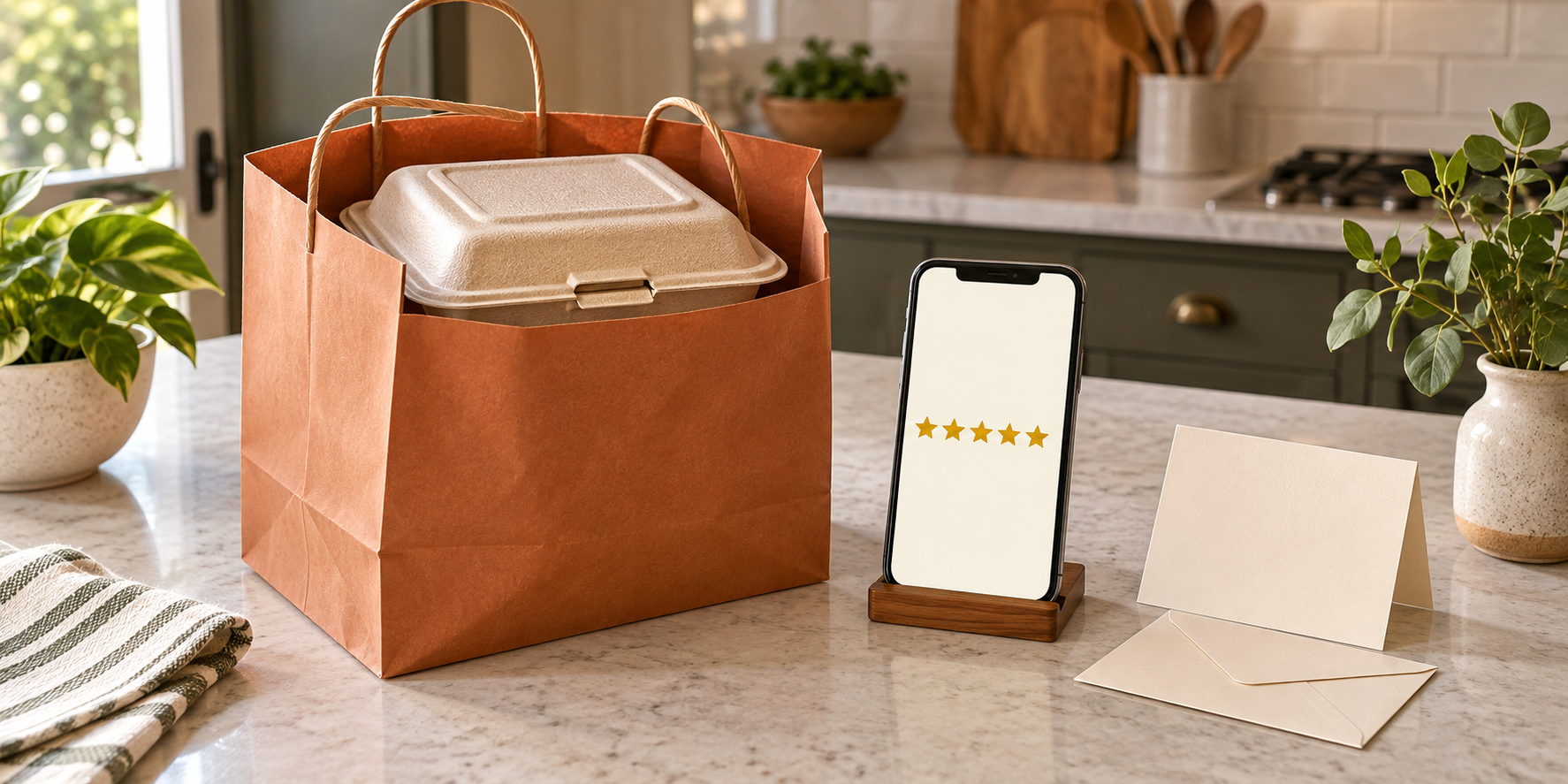
A satisfied customer can finish a plate, tell two friends it was good, and still never leave a public review. The problem is usually not a lack of goodwill. It is that the customer has to find your listing, remember what they wanted to say, and do it long after pickup.
This guide will help you build one fair review-request routine after completed orders. You will check whether a Google Business Profile fits your operation, protect your home address, choose who receives the request, write neutral copy, avoid incentives and review-gating, and respond without putting private order details in public.
Google and Federal Trade Commission guidance can change. The platform and advertising-policy links in this article were checked on September 14, 2026. Confirm the current rules before using the workflow.
Check the profile before asking for reviews
A review link is useful only when it points to an accurate, eligible business profile. Google says not every business qualifies for a Business Profile; its general rule requires in-person contact with customers during stated hours, with specific exceptions and additional conditions for some business models. Do not create a listing simply because another home cook has one. Read the current eligibility guidance for the way you actually sell and fulfill orders.
Your public address needs the same care. Google explains that a displayed Business Profile address is public. If you are correctly operating as a service-area business and do not serve customers at your address, its address guidance allows the address to be hidden while a service area is shown. That is not a shortcut for a pickup business, and it does not decide whether your local permit allows home pickup.
Before moving forward, verify four things:
- The business is eligible under Google’s current rules.
- The profile name, hours, contact details, and service area match the real operation.
- The address setting matches how customers receive their orders.
- Your food-business permit and local rules allow the sales and handoff model you advertise.
If those checks are not complete, keep collecting private service feedback and fix the profile question first. The broader Selling Plates guide can help connect this marketing step with your menu, pricing, launch, and sale-day plan.
Define which completed orders receive the request
The safest rule is simple: ask after a real order is fulfilled, and apply the same rule to every comparable customer. For example, send one request to every completed pickup order the following morning. Do not ask only the customers who praised the food, spent the most, or seem likely to leave five stars.
That distinction matters. Google’s current Maps policy permits merchants to request content based on a genuine experience, but it prohibits selectively soliciting positive reviews. The FTC similarly advises businesses not to ask people who did not use the product or service and not to choose only customers expected to respond positively.
Use the fulfilled-order status from your preorder system as the gate. A requested, unpaid, canceled, refunded-before-production, or no-show order is not the same as a customer who received the meal. If one person placed a group order, request one review from the buyer instead of messaging every name mentioned in the order.
Write the rule down before the sale. That prevents a busy or disappointing service from changing who gets asked after the fact.
Give the customer one direct route
Do not make customers search for your business and guess which listing is yours. Google provides a way to create a direct review link or QR code from the Business Profile and suggests places such as receipts, thank-you emails, and the end of a chat interaction.
For a small weekly plate sale, one message channel is usually enough. If order confirmations happen by text, send the review request through that same verified conversation. If customers receive an emailed receipt, add the link to one short follow-up. Avoid sending the same request by text, email, direct message, and printed card; repetition quickly feels like pressure.
Test the link from a phone while signed out of the account that manages the profile. Confirm that it opens the correct business and review screen. Then store that exact link in your message template. Test it again whenever the business name, location, or profile structure changes.
Write a neutral request customers can ignore
A good request identifies the completed order, asks for an honest review, provides the link, and stops. It does not suggest a rating, provide praise for the customer to copy, or turn the next purchase into a reward.
Here is a useful starting template:
Thank you for ordering Saturday’s dinner. If you would like to share an honest Google review about your experience, here is the link: [review link]. Feedback is optional, and there is no need to reply to this message.
Replace the bracketed text with the direct link and adapt the order reference so the customer recognizes the sale. Keep “honest” and “optional.” Do not add “five-star,” “help my small business with a positive review,” or instructions to mention a dish, neighborhood, or seller by name. Google prohibits merchants from trying to influence the rating or review content and from pressuring people to review while they are still on the premises.
Send the request after handoff, when the customer has had a reasonable chance to experience the meal. The exact timing is your operating choice, not a Google requirement. Pick one consistent moment—such as the next morning—and test whether it produces useful responses without confusing customers about which order you mean.
Keep discounts and free food out of the exchange
Do not offer a free dessert, discount, refund, giveaway entry, loyalty point, or future priority slot in exchange for a Google review. Google’s review-request guidance says free or discounted goods or services offered for reviews are fake engagement. Its content policy also prohibits incentives for posting a review or for changing or removing a negative one.
The FTC’s guidance on soliciting online reviews adds a broader warning: platform rules differ, material connections can affect credibility, and a business should not ask only likely supporters. Google is stricter for Google Maps reviews, so a disclosure does not turn an incentive into an acceptable Google review campaign.
Keep any ordinary loyalty offer independent. A customer should receive it under the same published terms whether they review, stay silent, or leave criticism. Do not hire a reputation company that promises a package of positive reviews; the FTC warns that a business may be responsible for deceptive tactics used on its behalf.
Do not build a private review gate
A review gate sends happy customers to Google while diverting unhappy customers to a private form. It may look tidy, but it creates the same selective outcome as asking only the people you expect to praise you.
You can still invite private feedback. Make it a separate, equally available path rather than a test customers must pass before seeing the public-review link. For example, a post-sale message can contain the Google link and a separate sentence inviting order problems by reply. Every completed customer sees the same options.
When a response mentions illness, allergens, foreign objects, or another possible safety issue, stop treating it as reputation management. Move it into the documented food-safety complaint workflow and preserve the order and batch details. A refund or remake may resolve the purchase, but it should never be conditioned on changing or deleting a review.
Reply publicly without exposing the order
Google says a verified business can reply to customer reviews. An approved reply is public, appears as the business, and notifies the reviewer. Treat the reply box like a storefront sign, not a private customer-service thread.
For a positive review, thank the customer without adding private details:
Thank you for taking the time to share this. We appreciate your order and are glad you enjoyed the meal.
For a critical review, acknowledge the experience and move the details to a known private channel:
Thank you for letting us know. We want to understand what happened. Please reply to your original order confirmation so we can review the correct order privately.
Do not confirm a customer’s full name, address, phone number, order total, allergy, health report, refund, or pickup time in public. Do not argue about facts you have not yet checked. Flag a review only when it violates Google’s content policies, not simply because it is negative.
Run a 20-order review-request pilot
Test the system across 20 fulfilled orders before adding more tools. The number is a manageable operating example, not a performance benchmark.
Track only what helps you run the process:
- fulfilled order date;
- review request eligible: yes or no, with a neutral reason;
- request sent date and channel;
- link tested: yes or no;
- private issue received: yes or no;
- public reply needed: yes or no.
Do not create a customer score predicting who will leave praise. Do not send repeated reminders to people who stay silent. At the end of the pilot, check whether every eligible customer received the same message, whether the link worked, whether anyone felt pressured, and whether public replies protected private information.
Then change one thing at a time: the timing, the length of the message, or the delivery channel. Your goal is not to manufacture a perfect rating. It is to make honest feedback easy, apply the same rule fairly, and give future customers a more trustworthy picture of the experience you actually deliver. Pair that with truthful plate photography and a repeatable social marketing rhythm so the public promise and the real order keep matching.
Ready to move?
Turn the research phase into your first sale.
The guide brings pricing, menu planning, marketing, and setup into one clear playbook.
Get the guide on Gumroad