Late Pickup and No-Show Policy for Plate Sales
Build a late-pickup and no-show policy with clear windows, safe holding decisions, customer messages, payment rules, and a closed order record.
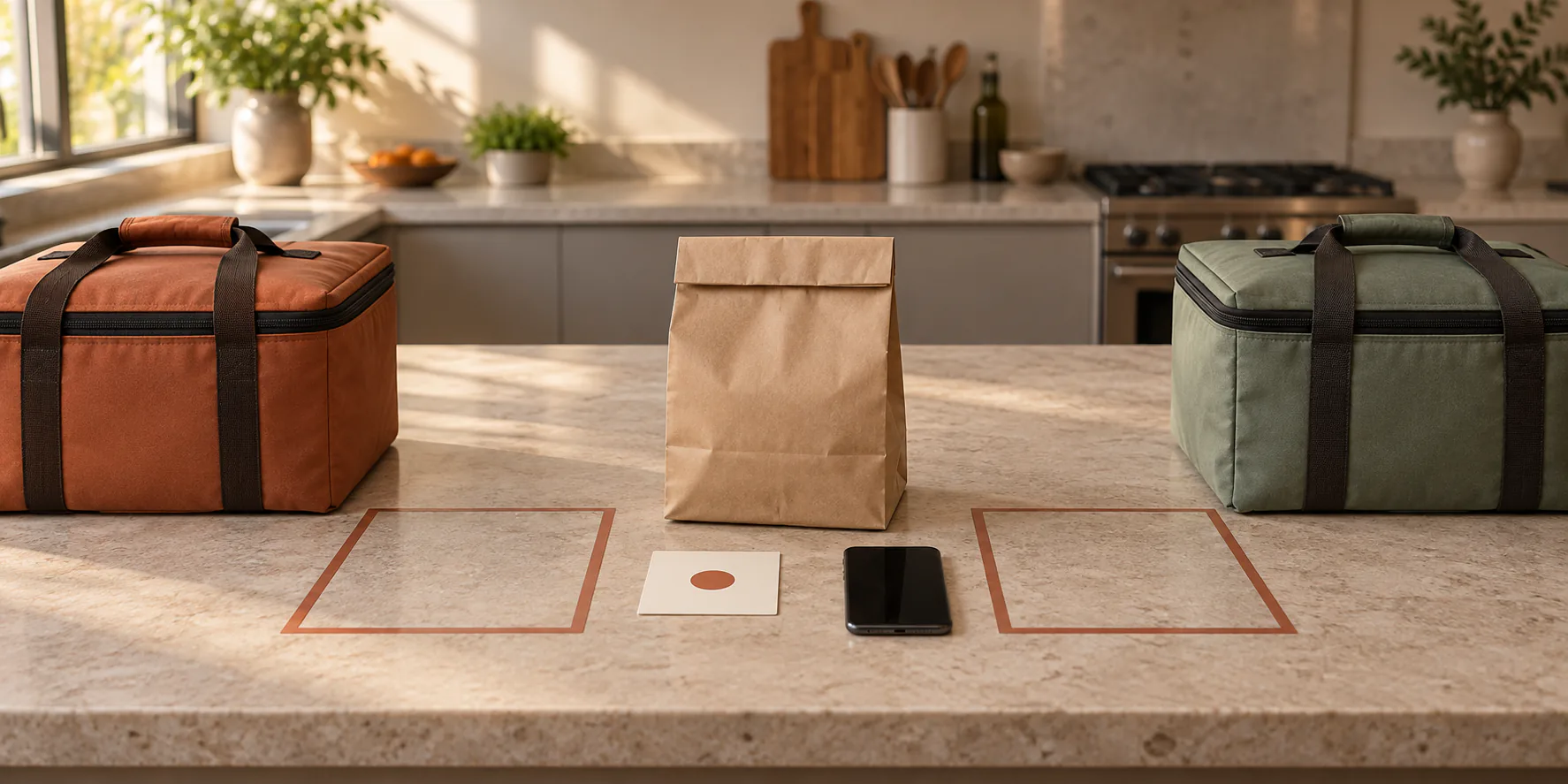
A late pickup is an order that has passed its promised collection window but can still be resolved under your written process. A no-show is an order that reaches the stated cutoff without a completed handoff. The distinction matters: “late” starts a contact-and-control workflow; “no-show” ends it with a documented food decision and payment outcome.
This guide will help you write that workflow before the next menu drop. You will define the pickup promise, keep waiting food under active control, send two useful messages, decide whether a revised handoff is still possible, and close the order without turning the pickup line into a negotiation.
This is operational guidance, not a universal legal or food-safety rule. The 2026 FDA Food Code is a model for adoption by jurisdictions, and local rules may differ. Confirm that your kitchen, menu, holding method, pickup process, and customer terms meet the requirements that apply where you operate.
Write a six-part late-pickup policy
Show the policy before payment, not for the first time in a message sent after the customer is late. A useful version answers six questions in plain language:
| Policy field | What the customer needs to know |
|---|---|
| Pickup promise | The date, time zone, collection window, location, and arrival method |
| Late trigger | The exact event that changes the order from ready to late |
| Contact route | The phone number, text thread, or order channel both sides will use |
| Reply deadline | When the customer must provide a revised arrival time |
| No-show cutoff | The event that ends the pickup opportunity |
| Payment outcome | How customer no-shows, seller cancellations, and seller failures are handled |
Do not borrow another seller’s grace period. Build your boundary from the real pickup schedule, permitted holding method, food quality, staff capacity, site access, and closing time. A ten-minute window is only an example until your process can support it.
Order tools can enforce parts of the promise. Square’s current pickup settings cover visible pickup times, cutoff times, scheduling, order limits per window, arrival alerts, and pickup instructions. Even if you use a form and spreadsheet, copy that structure: give every customer one time, one place, one arrival action, and one route for changes.
Give each order a live pickup state
“Paid” is not enough to manage a delayed handoff. Use states that tell the seller what should happen next:
- Scheduled: payment and the promised window are recorded.
- Ready: the packing check passed, the order entered its controlled holding location, and the customer was notified.
- Late: the window ended without a handoff, so the late message was sent.
- Revised pickup confirmed: the customer supplied a new time and the seller verified that the process can support it.
- Collected late or no-show: the handoff happened, or the published cutoff ended the opportunity.
- Closed: the food and payment outcomes were recorded, so the order cannot reappear as active.
Shopify’s pickup workflow illustrates the value of separate ready for pickup and picked up events, with customer notifications attached to the status changes (Shopify Help Center). Your system can be simpler, but it should still distinguish food that is ready from an order that has actually left your control.
Keep the promised window, ready time, holding location, contact attempts, revised time, handoff time, and closing reason on one order record. Link the physical bag to the current order ID. The guide to preventing missing items in pickup orders can help you finish the component check before the order enters this waiting stage.
Keep waiting food under active control
A sealed container, paper bag, or insulated carrier does not prove that food is safely held. Until handoff, the order remains part of your operation. Keep hot and cold components in their tested, approved setup; do not move a late order to a counter, porch, car seat, or customer-accessible table to clear space.
The 2026 FDA Food Code uses 135°F or above for hot holding and 41°F or below for cold holding in its model provisions. It also sets formal conditions for using time instead of temperature as a public-health control. Because the Food Code is adopted and modified by jurisdictions, confirm the controlling local rule. A customer being late does not create a new time allowance, and a time-only plan cannot be invented after the order has already left temperature control.
Use the dedicated hot-food holding workflow or cold-food holding workflow for equipment, representative checks, load tests, and corrective actions. The late-pickup record should point to that evidence rather than replace it.
Send one late message and one closing message
Choose the checkpoints before service. Too many messages distract from the active line; silence gives the customer no clear route to respond.
Send a ready message when the order enters its window. When the window ends, mark the order late and ask for one specific fact:
Order 184 was scheduled for pickup from 5:00–5:20 p.m. Reply by 5:30 with your expected arrival time. We will confirm whether pickup can still be completed.
Do not promise that food will remain available until the customer eventually arrives. If they reply, compare the proposed time with the holding record, equipment capacity, local rule, location access, and closing time. Confirm the revised pickup only after those checks pass.
If the customer misses the published cutoff, send the closing outcome:
We did not complete pickup for order 184 by the stated cutoff. The order is now closed as a no-show. We have followed the food and payment terms shown at checkout.
Use the route the customer agreed to, keep the message factual, and record the time and result of each attempt. Pickup instructions belong in the normal order flow; Square and Shopify both support customer-facing pickup instructions rather than relying on an improvised direct message.
Make the food decision before the payment decision
At the cutoff, close two separate questions. First ask what the food-control record supports. Then apply the disclosed payment rule.
| Evidence at the cutoff | Food outcome | Order outcome |
|---|---|---|
| Control remains verified and a revised time is confirmed | Continue approved holding and complete the identity check at handoff | Close as collected late |
| Control remains verified but the customer does not respond by the cutoff | Follow the written disposition step | Close as customer no-show |
| A required time, temperature, package, or equipment check fails | Stop the handoff and follow the approved corrective or discard step | Close with the actual failure reason |
| The seller cannot provide the accepted order as promised | Do not relabel the failure as a customer no-show | Apply the seller-failure or refund rule |
Do not taste, smell, or visually inspect food to overrule a failed record. Do not automatically cool a hot order for later sale or give it to another customer; any alternate use needs its own permitted process, labeling, allergen controls, traceability, and sales record.
Discarding food does not by itself decide whether the customer receives a refund. That depends on the terms shown before purchase, who failed to meet the agreement, applicable law, and the payment provider’s rules. Use distinct closing reasons such as customer no-show, customer cancellation, seller unable to fulfill, food-control failure, refund, or goodwill exception.
Toast’s current no-show guidance recommends recording prepared food in a way that keeps the ingredients counted as used rather than simply making the transaction disappear (Toast support). The exact accounting step depends on your system, but the principle is useful: close the customer outcome without erasing the production record.
Test the policy with two delayed orders
Suppose a 24-order sale uses three pickup windows. Order 184 is ready at 5:02 p.m. for a 5:00–5:20 window and remains inside the verified hot-holding process.
At 5:20, the seller marks it late and sends the prewritten message. The customer replies at 5:24 with a 5:35 arrival. The seller checks the holding record and site access, confirms the revised time, and records the new promise. At 5:36, the identity and component check pass, so the order closes as collected late.
Order 191 does not receive a reply by its published cutoff. The seller records the final contact attempt, follows the approved food-disposition step, applies the no-show term shown before payment, and closes the record. The example does not create a universal grace period; it shows how communication, food evidence, payment, and closeout stay connected.
Before the next menu drop, rehearse one late-but-collected order and one no-show with the real phone, roster, labels, carriers, and closing routine. Confirm that you can identify the waiting order, locate its hot and cold components, show the evidence behind the next decision, find the customer terms, and name the person responsible for closing the record.
Then connect the final policy to the weekly preorder system so every customer sees the window and no-show rule before paying. A late pickup should be an exception your system can absorb—not a fresh negotiation beside waiting food.
Ready to move?
Turn the research phase into your first sale.
The guide brings pricing, menu planning, marketing, and setup into one clear playbook.
Get the guide on Gumroad