How to Plan Local Delivery Routes for Plate Sales
Plan local delivery routes for plate sales with a clear service area, verified stops, realistic timing, secure handoff, and a completed route record.
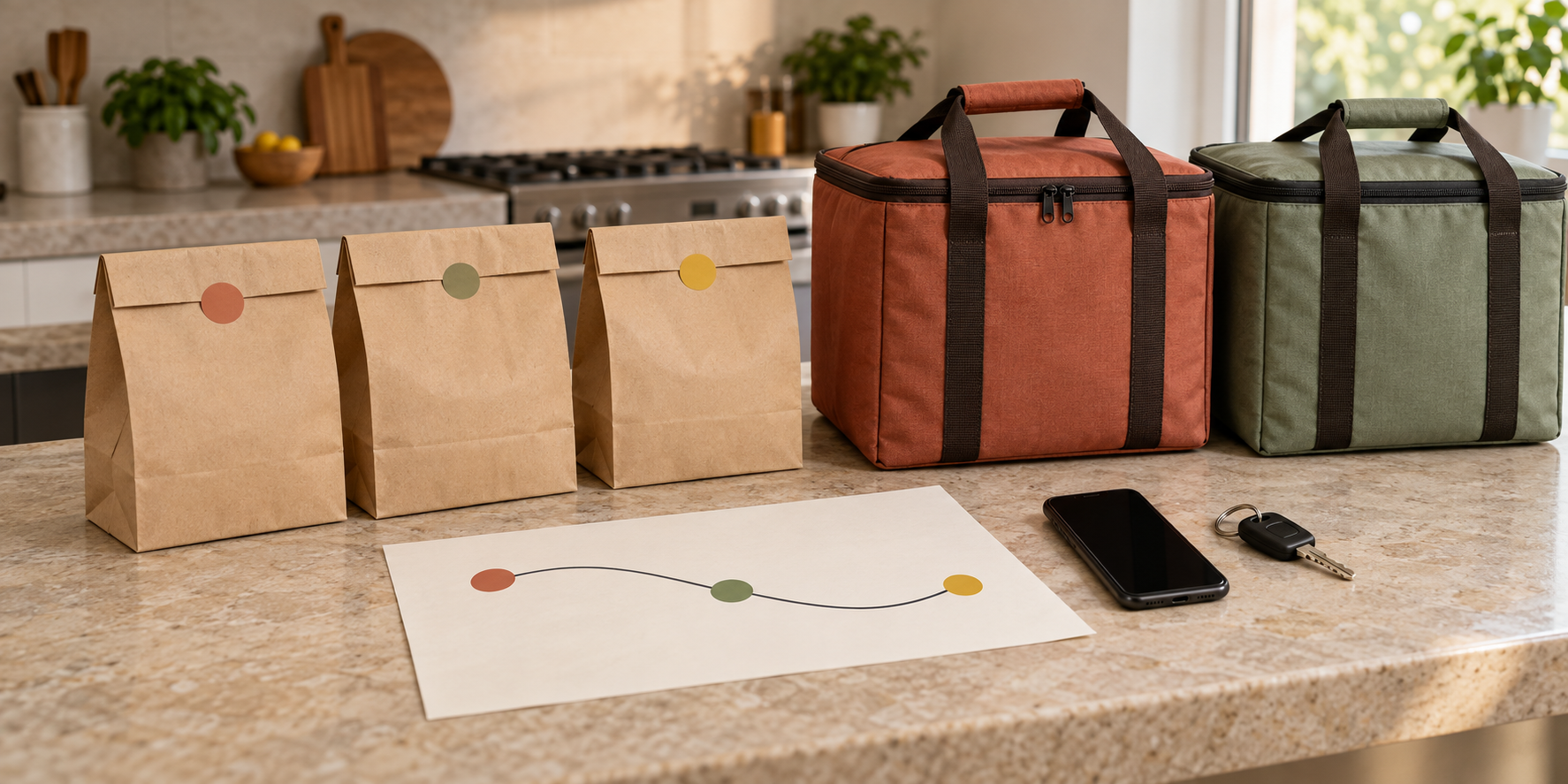
A delivery promise can look simple while the orders are still pins on a map. On sale day, one incomplete address, hard-to-find entrance, late batch, or unanswered phone can delay every customer behind it. A list of addresses is not yet a route.
This guide will help you turn paid delivery orders into small, controlled runs. You will define a service area, verify each stop, cap the route by real capacity, sequence it, release the right orders to the driver, manage failed handoffs, and record what happened before offering delivery again.
Home-food and delivery rules vary by jurisdiction. Before advertising delivery, confirm with the relevant state and local authorities that your food, kitchen, transport method, service area, insurance, vehicle use, labels, and records are allowed. The FDA’s food-business starting guidance directs businesses to the federal, state, and local requirements that apply to their operation.
Define the delivery offer before drawing a route
Write the delivery offer as an operating boundary, not a vague promise to “deliver nearby.” Decide:
- which menu items are eligible;
- the sale date and delivery window;
- the accepted area or postal codes;
- the delivery fee and minimum order, if any;
- the maximum orders in each run;
- who performs the delivery;
- what the customer must provide; and
- what happens when an address or instruction cannot be verified.
Delivery settings in common storefronts reflect these same decisions. Square lets a seller set a region by postal code or radius, fees, minimums, fulfillment hours, prep time, and simultaneous-delivery capacity in its local delivery setup. Shopify likewise supports postal-code or distance-based delivery zones, plus zone-specific pricing and customer instructions.
Use those controls even if orders arrive through a simpler form. A customer outside the published area is an exception to review, not a reason to redraw the route after payment.
Set the service area with a real test drive
A radius measures distance from a point; it does not measure traffic, parking, gates, bridges, or the time spent at each door. Start with a small candidate area, then drive the longest likely pattern at the same day and time you plan to deliver.
Record drive time, parking time, building access, safe stopping locations, tolls, and the minutes required for a normal handoff. Test the route with the vehicle and carrier arrangement you will actually use. If one side of the radius consistently breaks the promised window, remove it or make it a separate run.
Do not copy a platform’s maximum radius as your own capacity. The useful lesson from a configurable delivery zone is that eligibility needs a boundary. Your boundary should come from tested kitchen release times, vehicle capacity, food-control plan, and handoff time.
Connect this test to the separate hot-food handoff workflow or cold-food delivery workflow, as appropriate. A route is acceptable only inside the food-holding conditions your operation has verified.
Turn each paid order into a verified stop
Build the route only from paid, accepted orders after the cutoff in your preorder system. Give every delivery one stop record with:
| Field | Route purpose |
|---|---|
| Order ID | Connects the stop, packed order, payment, and handoff |
| Customer name | Identifies the recipient without exposing the full order |
| Verified address | Prevents the driver from guessing at an incomplete location |
| Contact method | Supports an arrival or access problem |
| Delivery instructions | Records gate, unit, parking, or no-contact details |
| Promised window | Controls customer expectation and run capacity |
| Order count | Shows how many bags or carriers belong at the stop |
| Status | Tracks planned, loaded, out for delivery, delivered, or unresolved |
Shopify’s current local-delivery checkout requires a phone number, checks address eligibility, and lets customers add delivery instructions. Its fulfillment workflow separates unfulfilled, ready-for-delivery, and delivered states. You can copy that status logic without copying unnecessary customer data.
Review every address before production quantities are locked. Resolve missing unit numbers, mismatched postal codes, vague landmarks, and inaccessible locations while there is still time to contact the customer. Keep the route sheet limited to the information the driver needs, following the site’s customer-information protection routine.
Cap the run by time, stops, and carrier space
Kitchen capacity and route capacity are different limits. You may be able to cook 30 plates but deliver only six orders within one tested run.
Build the route cap from four measured numbers:
- the latest time the assigned batch can leave the kitchen;
- tested travel plus parking time between stops;
- realistic handoff time at each address; and
- the number of complete orders the approved carrier setup and vehicle can hold securely.
Square’s ordering-profile controls include limits per 15-minute delivery window, lead time, delivery hours, and drive-based delivery estimates. Those delivery timing controls are a useful reminder that accepting orders and routing them are capacity decisions, not just map tasks.
For example, suppose a test run includes four stops, 28 minutes of driving, and 14 minutes of parking and handoff time. Add the kitchen-to-vehicle load check and a realistic delay allowance before publishing the customer window. These are sample planning numbers, not a benchmark. Use your own test results and food-control limits.
If the run does not fit, reduce stops, shrink the area, create a second departure, or offer pickup. Do not solve an overfull route by speeding, stacking bags unsafely, or stretching the promised food-holding plan.
Sequence and preview the complete run
Group stops by promised window and geography, then arrange them in the order the driver will actually visit. Google Maps supports multiple destinations and manual stop reordering, but the route planner still owns the operating decision.
Preview the whole run before packing. Check:
- the departure point and return point;
- the first and last promised windows;
- road restrictions, tolls, and likely parking;
- apartment or campus access notes;
- the order of hot and cold carrier openings;
- a safe place to pull over before calling; and
- the action if a stop cannot be completed.
Never ask a driver to read messages, reorder stops, or type an address while moving. Freeze one route version before departure. If a customer sends a material change, one designated person decides whether it is accepted and issues a new version before the vehicle moves.
Match the load order to the stop order
The route sheet, packing ticket, and physical load must agree. Finish the missing-item packing check before an order receives a route position.
Use one visible stop sequence without putting full customer details on the outside of a bag. Load later stops first and early stops last when that layout lets the driver retrieve one order without opening or moving every other order. Keep hot and cold components in their separate verified systems, and secure carriers so they cannot tip or slide.
At release, the driver and kitchen checker confirm the route version, stop count, order IDs, number of bags per stop, carrier assignment, departure time, and contact route for problems. The FDA notes that last-mile delivery can introduce packaging, temperature, contamination, and allergen vulnerabilities; its online-delivery best-practices summary is a reason to treat loading as a controlled handoff rather than a pile of finished bags.
Control arrival and failed handoffs
Send the customer a realistic window, then a short arrival message through the agreed channel. The driver should stop safely before contacting anyone. At the door, match the order ID or customer name, confirm the complete bag count, and record the handoff.
Write the failed-delivery rule in advance. It should say how long the driver waits, how many contact attempts are made, whether no-contact placement is ever allowed, who can authorize a change, and what happens to the order if delivery fails. Do not leave food at an unconfirmed address or improvise a porch drop when the customer did not choose that method.
Food that returns to the vehicle stays under the existing control plan; a failed handoff does not restart its safe time or temperature history. Use the written food disposition and customer refund or replacement policy rather than promising a second trip automatically.
Run one rehearsal and close the record
Before selling the service, rehearse one complete route with fictional orders and test loads. Include a gated address, an unanswered phone, one two-bag order, and a stop that must be marked unresolved. Confirm that the kitchen, driver, and customer messages all use the same order IDs and windows.
After every live run, close each stop as delivered, unresolved, returned, refunded, or otherwise completed under your policy. Record actual departure, arrival, handoff, delay, and return times. Note access failures, route changes, customer communication problems, carrier openings, and anything that affected the next stop.
Compare planned and actual time by stop. Then change one operating input: the service area, stop cap, window length, departure sequence, instructions, or delivery fee. Feed the revised departure times back into the production schedule so food is not packed long before the route can leave.
Start with one small delivery run. A good route is not the one with the most pins; it is the one in which every accepted order has a verified place, time, load position, handoff decision, and closed result. Once that works reliably, the broader Selling Plates guide can help connect delivery with pricing, menu design, and repeatable weekly sales.
Ready to move?
Turn the research phase into your first sale.
The guide brings pricing, menu planning, marketing, and setup into one clear playbook.
Get the guide on Gumroad